

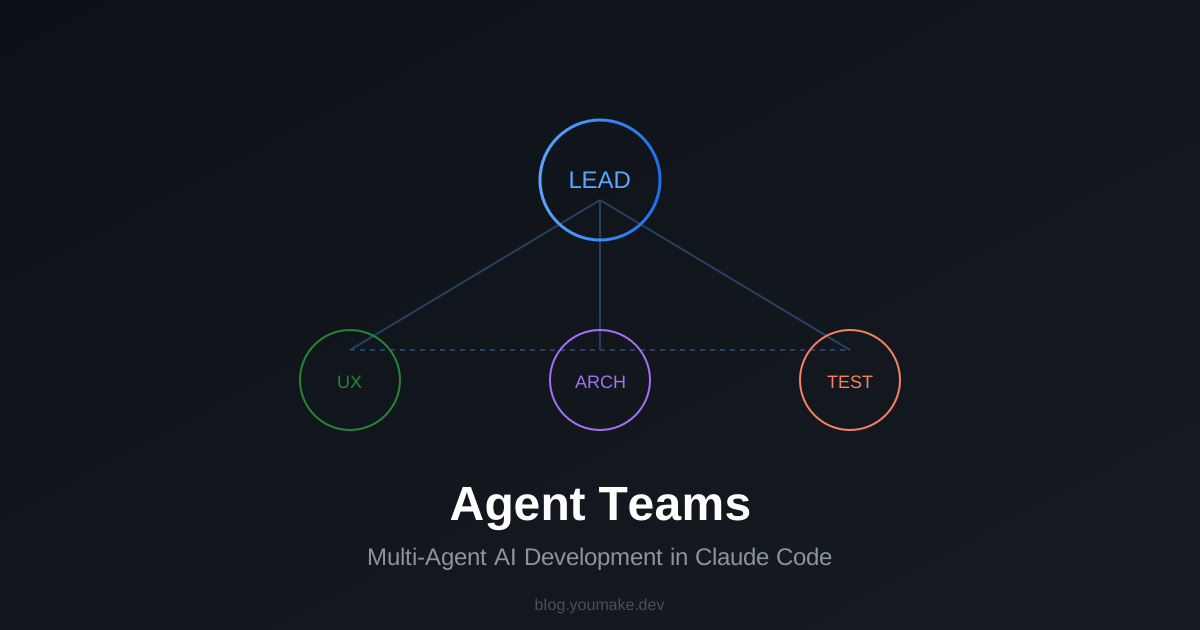
What if you could have a team of AI developers working on your codebase simultaneously? That's exactly what Agent Teams in Claude Code delivers.
What Are Agent Teams?
Agent Teams let you coordinate multiple Claude Code instances working together. One session acts as the team lead, coordinating work, assigning tasks, and synthesizing results. Teammates work independently, each in their own context window, and can communicate directly with each other.
Unlike subagents (which run within a single session and only report back), you can interact with individual teammates directly without going through the lead.
When to Use Agent Teams
Agent Teams shine when parallel exploration adds real value:
🔬 Research and Review
Multiple teammates investigate different aspects of a problem simultaneously, then share and challenge each other's findings.
🏗️ New Modules or Features
Each teammate owns a separate piece without stepping on each other's toes.
🐛 Debugging with Competing Hypotheses
Teammates test different theories in parallel and converge on the answer faster.
🔄 Cross-Layer Coordination
Changes spanning frontend, backend, and tests—each owned by a different teammate.
Quick Start Example
I'm designing a CLI tool that helps developers track TODO comments across
their codebase. Create an agent team to explore this from different angles:
- One teammate on UX
- One on technical architecture
- One playing devil's advocate
Claude creates the team, spawns teammates, coordinates work, and synthesizes findings automatically.
Agent Teams vs Subagents
| Feature | Subagents | Agent Teams |
|---|---|---|
| Context | Results return to caller | Fully independent |
| Communication | Report back only | Teammates message each other |
| Coordination | Main agent manages all | Self-coordinating |
| Best for | Focused tasks | Complex collaboration |
| Token cost | Lower | Higher |
Rule of thumb: Use subagents for quick, focused work. Use Agent Teams when teammates need to share findings and collaborate.
Display Modes
In-Process Mode
All teammates run in your main terminal. Use Shift+Up/Down to select and message teammates directly.
Split Panes Mode
Each teammate gets its own pane (requires tmux or iTerm2). See everyone's output at once.
// settings.json
{
  "teammateMode": "in-process"
}
Enable Agent Teams
Agent Teams are experimental. Enable with:
// settings.json
{
  "env": {
    "CLAUDE_CODE_EXPERIMENTAL_AGENT_TEAMS": "1"
  }
}
Real-World Use Case
Imagine refactoring a large codebase:
Create a team with 4 teammates to refactor these modules in parallel.
Use Sonnet for each teammate.
Each teammate tackles a different module simultaneously, then the lead synthesizes the changes—what would take hours becomes minutes.
The Future of AI-Assisted Development
Agent Teams represent a fundamental shift: from single AI assistant to AI development team. The implications are massive:
- Faster iteration on complex features
- Better code review through multiple perspectives
- Parallel debugging that finds issues faster
- Specialized agents for different parts of your stack