

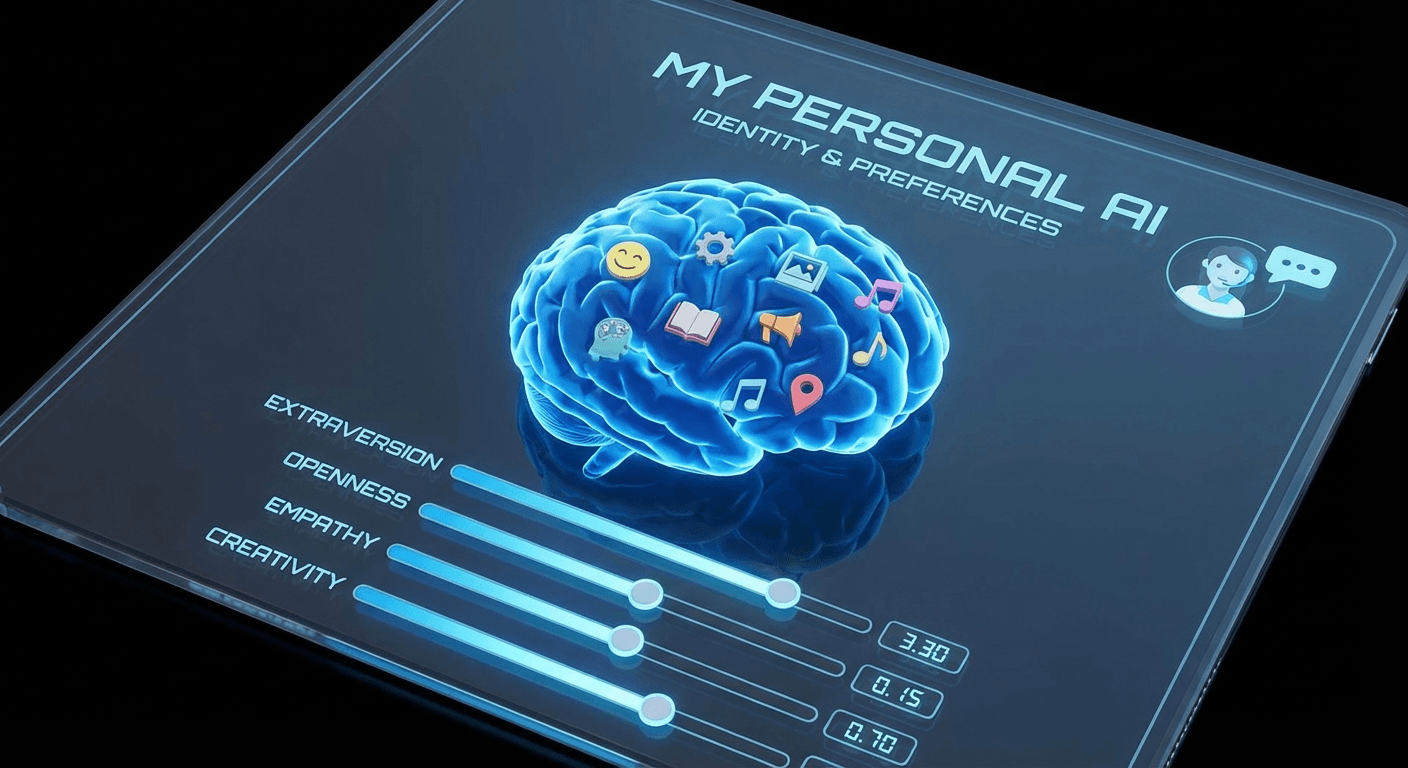
Out of the box, OpenClaw is helpful. But when you customize it — teaching it your preferences, defining its personality, and organizing its memory — it becomes indispensable.
The Workspace System
OpenClaw uses a workspace folder to store everything it needs to know about you and how to behave. Key files include:
~/.openclaw/workspace/
├── AGENTS.md      # Behavior guidelines
├── SOUL.md        # Personality definition
├── USER.md        # Information about you
├── MEMORY.md      # Long-term memory
├── TOOLS.md       # Tool configurations
└── memory/        # Daily logs
    └── 2026-01-31.md
SOUL.md: Defining Personality
The SOUL.md file defines who your assistant is. This shapes tone, behavior, and values.
# SOUL.md - Who You Are

## Core Truths

- Be genuinely helpful, not performatively helpful
- Have opinions — don't be a yes-machine
- Be resourceful before asking
- Remember you're a guest in someone's digital life

## Vibe

Concise when needed, thorough when it matters.
Not a corporate drone. Not a sycophant. Just good.

## Boundaries

- Private things stay private
- Ask before external actions
- Never send half-baked replies
Modify this file to create an assistant that matches your style:
Professional: More formal, detailed responses Casual: Relaxed, uses humor Technical: Prefers code examples and precision Creative: More exploratory, offers ideas freely
USER.md: Teaching About You
Help your assistant understand your context:
# USER.md - About Your Human

- **Name**: Alex
- **Pronouns**: they/them
- **Timezone**: PST
- **Work**: Startup founder, building a SaaS
- **Communication style**: Direct, appreciates brevity

## Preferences
- Morning person — best before noon
- Prefers Slack over email
- Vegetarian (relevant for restaurant recommendations)

## Current Projects
- Launching new product in Q1
- Learning Rust on the side
The more context you provide, the more relevant your assistant becomes.
MEMORY.md: Long-Term Memory
Your assistant wakes up fresh each session. MEMORY.md is its long-term memory:
# MEMORY.md

## Important Dates
- Alex's birthday: March 15
- Company anniversary: June 1
- Product launch: February 28

## Decisions Made
- 2026-01-15: Decided to use Supabase for backend
- 2026-01-20: Chose Vercel for hosting

## Lessons Learned
- Alex prefers bullet points over long paragraphs
- Always confirm before sending emails externally

## Ongoing Projects
- Blog migration (in progress)
- Q1 marketing campaign (planning)
Update this file to help your assistant remember what matters.
Daily Memory Logs
For detailed history, OpenClaw uses daily logs in the memory/ folder:
# memory/2026-01-31.md

## What Happened
- Deployed new landing page
- Fixed authentication bug
- Had strategy call with marketing team

## Decisions
- Decided to postpone feature X to Q2

## Follow-ups Needed
- Email John about partnership
- Review pull request from Sarah
Your assistant checks recent daily logs to stay current.
AGENTS.md: Behavior Rules
AGENTS.md defines how your assistant should behave:
# AGENTS.md

## Every Session
1. Read SOUL.md — this is who you are
2. Read USER.md — this is who you're helping
3. Check recent memory files for context

## Safety
- Don't exfiltrate private data
- trash > rm (recoverable beats gone)
- Ask before destructive actions

## Group Chats
- You're a participant, not the user's voice
- Don't respond to every message
- Quality over quantity
TOOLS.md: Local Configurations
Store tool-specific settings and credentials:
# TOOLS.md

## Email (Gmail)
- Account: alex@company.com
- App Password: stored in ~/.config/gmail/app_password

## GitHub
- Default repo: alexco/main-product
- Token: stored in ~/.config/github/token

## Notion
- API Key: stored in ~/.config/notion/api_key
- Main workspace ID: abc123
Customization Tips
Start Simple
Begin with basic USER.md and SOUL.md. Add complexity over time.
Update Regularly
After major decisions or events, update MEMORY.md.
Review Periodically
Every few weeks, review and clean up memory files.
Experiment with Personality
Try different SOUL.md configurations to find what works.
Example: A Developer's Setup
# SOUL.md
Be technical and precise. Prefer code examples.
Challenge assumptions. Suggest better approaches.
Keep responses focused — no fluff.

# USER.md
Senior developer at a startup.
Main stack: TypeScript, React, Node.js
Prefers terminal over GUI.
Hates unnecessary meetings.

# MEMORY.md
Current sprint: Auth refactor
Blocked by: API rate limits
Tech debt to address: Legacy Redux code
Example: A Founder's Setup
# SOUL.md
Balance strategic thinking with execution focus.
Proactively flag risks and opportunities.
Be a thought partner, not just a task executor.

# USER.md
Founder, Series A startup, 15 employees.
Splits time: 40% product, 30% hiring, 30% fundraising
Timezone: EST, works late nights.

# MEMORY.md
Runway: 14 months
Key metric: MRR ($45k, growing 15% MoM)
Current focus: Enterprise sales pipeline
Board meeting: Feb 15
The Result
A well-customized OpenClaw isn't just an assistant — it's a digital extension of your workflow. It knows your preferences, remembers your decisions, and adapts to your style.
Take 30 minutes to set up your workspace files. The return on that investment compounds every day.
Related Articles
- Getting Started with OpenClaw — Begin your AI assistant journey
- Skills & Plugins — Add powerful capabilities
- Telegram & Discord Setup — Multi-platform integration
- Automation & Cron — Schedule tasks automatically