

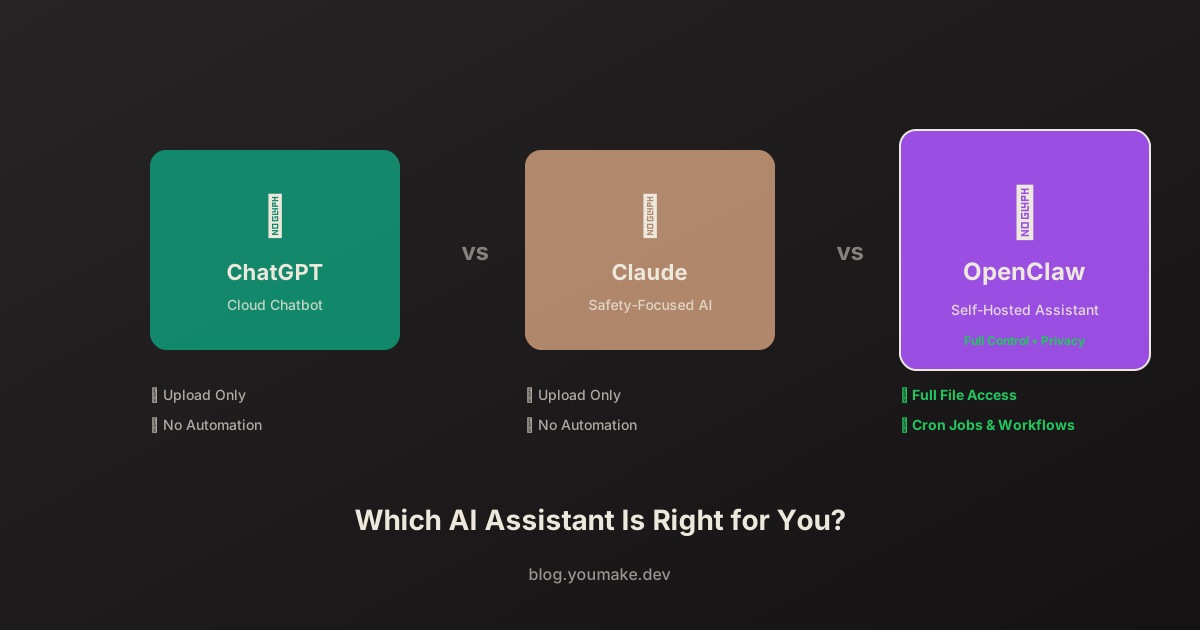
The AI assistant market has exploded. ChatGPT, Claude, OpenClaw—each promises to revolutionize how you work. But which one is actually right for you? Let's break it down.
Quick Comparison
| Feature | OpenClaw | ChatGPT | Claude |
|---|---|---|---|
| Type | Self-hosted assistant | Cloud chatbot | Cloud chatbot |
| Model | Any (Claude, GPT, etc.) | GPT-4/4o | Claude 3.5/4 |
| File Access | Full local access | Upload only | Upload only |
| Command Execution | Yes | No | No |
| Multi-Channel | Telegram, Discord, etc. | Web, app | Web, app |
| Automation | Cron jobs, workflows | Limited | Limited |
| Privacy | Self-hosted | Cloud | Cloud |
| Cost | API costs (~$20-100/mo) | $20-200/mo | $20-100/mo |
| Setup | Technical | None | None |
ChatGPT: The Popular Choice
What It Is
ChatGPT is OpenAI's flagship consumer product—a web and mobile chat interface powered by GPT-4 and GPT-4o models.
Strengths
- Ease of use — Sign up and start chatting immediately
- GPT-4 — Powerful reasoning capabilities
- Image generation — DALL-E integration
- Plugins — Third-party integrations (browsing, code interpreter)
- Mobile app — Full-featured iOS/Android apps
- Voice mode — Natural voice conversations
Limitations
- No local file access — Can only work with uploaded files
- No command execution — Can't run scripts or interact with your system
- No automation — Can't schedule tasks or run in background
- Privacy concerns — All conversations go through OpenAI's servers
- Single interface — Web/app only, no Telegram/Discord/etc.
- Session-based — Limited memory between conversations
Best For
- Casual users wanting quick answers
- Research and brainstorming
- Content drafting without system integration
- Users who prioritize ease over capability
Pricing
| Plan | Price | Features |
|---|---|---|
| Free | $0 | GPT-3.5, limited GPT-4 |
| Plus | $20/mo | GPT-4, DALL-E, faster response |
| Team | $25/user/mo | Admin controls, higher limits |
| Enterprise | Custom | SSO, compliance, dedicated support |
Claude: The Safety-Focused Alternative
What It Is
Anthropic's Claude is designed with a focus on safety, helpfulness, and honesty. Available via web interface and API.
Strengths
- Long context — Up to 200K tokens (can read entire books)
- Safety-focused — Less likely to produce harmful content
- Strong at analysis — Excellent at document analysis and summarization
- Coding capability — Strong performance on programming tasks
- Honest uncertainty — Better at saying "I don't know"
- Artifacts feature — Creates interactive documents and code
Limitations
- Same as ChatGPT — No local file access, no command execution
- No automation — Can't schedule or run in background
- Fewer integrations — Limited plugin ecosystem
- No image generation — Can analyze but not create images
- Cloud-only — All data goes through Anthropic's servers
Best For
- Document analysis (legal, research, academic)
- Users concerned about AI safety
- Long-form content work
- Coding assistance
- Users who value honest, nuanced responses
Pricing
| Plan | Price | Features |
|---|---|---|
| Free | $0 | Limited usage |
| Pro | $20/mo | Higher limits, priority |
| Team | $25/user/mo | Admin, collaboration |
| Enterprise | Custom | SSO, compliance |
OpenClaw: The Power User's Choice
What It Is
OpenClaw is an open-source AI assistant framework that runs on your infrastructure and connects to your entire digital life.
Strengths
- Full system access — Read/write files, execute commands
- Multi-channel — Telegram, Discord, WhatsApp, Signal, Slack
- Any model — Use Claude, GPT, Gemini, local models
- Automation — Cron jobs, scheduled tasks, workflows
- Self-hosted — Your data stays on your servers
- Customizable — Skills, personalities, behaviors
- Integration — Connect to any API or service
- Background operation — Works 24/7, proactive assistance
Limitations
- Technical setup — Requires command line, server management
- Self-maintained — You handle updates and security
- API costs — You pay for model API usage directly
- Learning curve — More concepts to understand
Best For
- Power users who want full control
- Privacy-conscious users
- Developers and technical professionals
- Businesses needing custom workflows
- Anyone wanting true AI assistant (not just chatbot)
Pricing
OpenClaw itself is free and open-source. You pay for:
| Component | Cost | Notes |
|---|---|---|
| OpenClaw | $0 | Open-source |
| Claude API | ~$3-15/1M tokens | Per usage |
| GPT-4 API | ~$10-30/1M tokens | Per usage |
| Hosting | $5-50/mo | Optional, can run locally |
| Typical total | $20-100/mo | Varies by usage |
Feature Deep Dive
File Access
| Assistant | Capability |
|---|---|
| ChatGPT | Upload files (10MB limit), processes then forgets |
| Claude | Upload files (larger limit), processes then forgets |
| OpenClaw | Full local filesystem access, persistent |
Winner: OpenClaw — The only option that can work with your actual files continuously.
Automation
| Assistant | Capability |
|---|---|
| ChatGPT | None (manual interaction only) |
| Claude | None (manual interaction only) |
| OpenClaw | Cron jobs, heartbeats, event-driven workflows |
Winner: OpenClaw — The only option that can act autonomously.
Privacy
| Assistant | Data Handling |
|---|---|
| ChatGPT | Stored on OpenAI servers, used for training (opt-out available) |
| Claude | Stored on Anthropic servers, not used for training |
| OpenClaw | Self-hosted, your data never leaves your control |
Winner: OpenClaw — Complete data sovereignty.
Ease of Use
| Assistant | Setup Complexity |
|---|---|
| ChatGPT | ⭐ (sign up, done) |
| Claude | ⭐ (sign up, done) |
| OpenClaw | ⭐⭐⭐ (install, configure, deploy) |
Winner: ChatGPT/Claude — Zero setup required.
Model Flexibility
| Assistant | Available Models |
|---|---|
| ChatGPT | GPT-4, GPT-4o only |
| Claude | Claude models only |
| OpenClaw | Claude, GPT, Gemini, Mistral, local models, any API |
Winner: OpenClaw — Use any model, switch anytime.
Use Case Recommendations
"I just want to chat with AI"
→ Use ChatGPT or Claude
Simple, no setup, works immediately.
"I need to analyze documents"
→ Use Claude
Best-in-class document analysis with long context.
"I want AI to manage my life"
→ Use OpenClaw
Only option that can access your calendar, email, files, and take action.
"I'm building a business workflow"
→ Use OpenClaw
Automation, integrations, and customization required.
"Privacy is my top concern"
→ Use OpenClaw
Self-hosted means your data stays yours.
"I'm not technical"
→ Use ChatGPT or Claude
OpenClaw requires command line comfort.
Migration Paths
From ChatGPT to OpenClaw
- Export ChatGPT conversation history
- Set up OpenClaw with GPT-4 API
- Import context to MEMORY.md
- Configure Telegram/Discord channel
- Recreate common prompts as skills
From Claude to OpenClaw
- Set up OpenClaw with Claude API
- Same Claude models, more capabilities
- Configure channels and automations
- Your Claude experience, supercharged
The Verdict
There's no single "best" AI assistant—only the best one for your needs.
| If you want... | Choose... |
|---|---|
| Simplicity | ChatGPT |
| Document analysis | Claude |
| Full capability | OpenClaw |
| Privacy | OpenClaw |
| Automation | OpenClaw |
| Zero setup | ChatGPT or Claude |
| Model flexibility | OpenClaw |
| Mobile-first | ChatGPT |
My Recommendation
Start with ChatGPT or Claude if you're new to AI assistants. Get comfortable with the capabilities and limitations.
Migrate to OpenClaw when you:
- Feel limited by upload-only file access
- Want automations running in the background
- Need multi-channel communication
- Care about data privacy
- Want to customize behavior deeply
OpenClaw requires more effort to set up, but the capability difference is substantial. It's the difference between a chat window and a true AI assistant that works for you 24/7.