

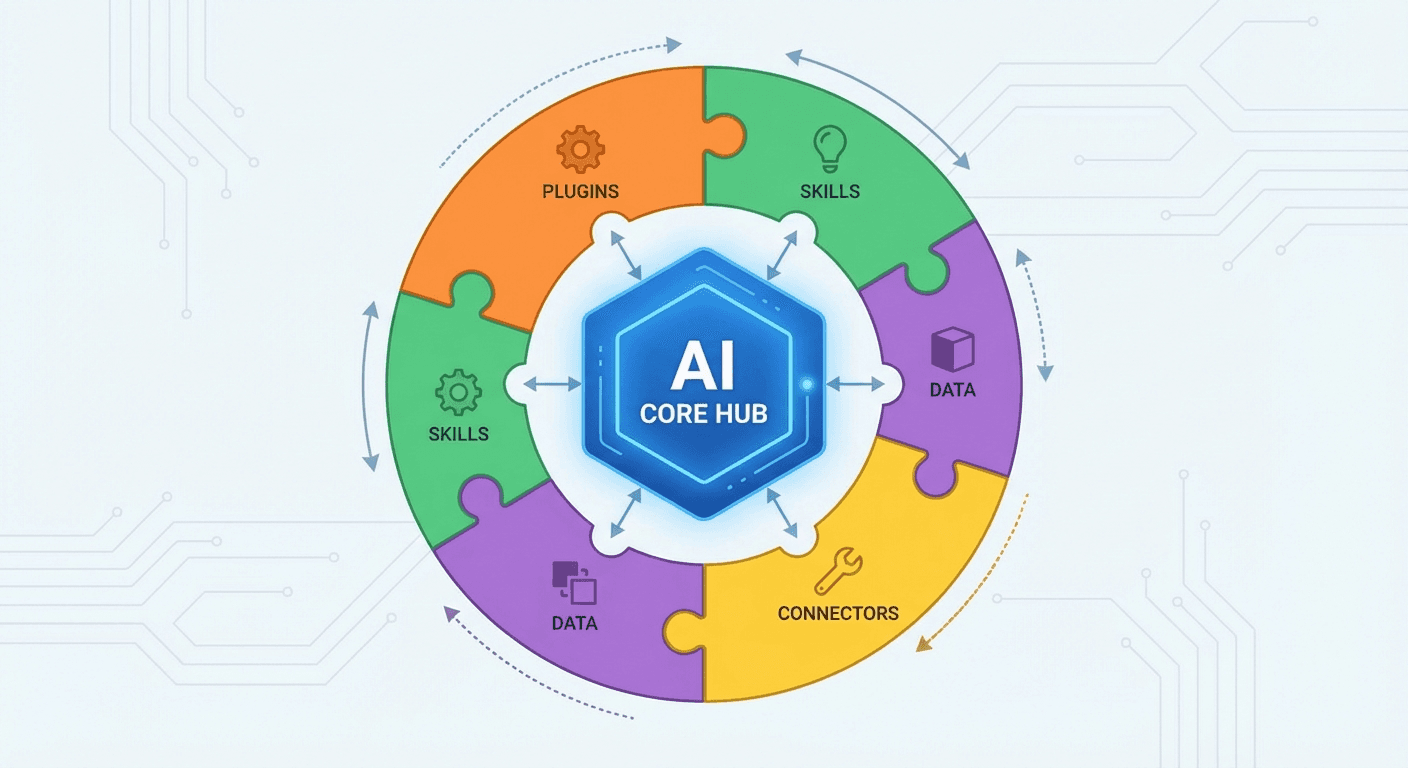
The real power of OpenClaw lies in its skills system. Skills are modular plugins that give your AI assistant new capabilities — from controlling smart home devices to managing your GitHub repositories.
What Are Skills?
Skills are self-contained packages that extend OpenClaw's functionality. Each skill includes:
- Instructions: How and when to use the skill
- Scripts: Code that performs the actual work
- Configuration: Settings specific to that skill
Think of skills like apps for your AI assistant.
Installing Skills
The easiest way to install skills is through ClawdHub:
# Search for skills
npx clawdhub search weather

# Install a skill
npx clawdhub install weather

# List installed skills
openclaw skills list
Popular Skills
Weather
Get current conditions and forecasts anywhere in the world.
"What's the weather in Tokyo?"
"Will it rain tomorrow?"
GitHub
Manage repositories, issues, and pull requests.
"Show my open PRs"
"Create an issue in my project"
Notion
Create and manage Notion pages and databases.
"Add a task to my Notion board"
"What's on my Notion calendar?"
Gmail (via himalaya)
Read and send emails from the command line.
"Check my unread emails"
"Reply to the last email from John"
Nano Banana Pro
Generate images using Google's Gemini model.
"Generate an image of a sunset over mountains"
"Create a logo for my startup"
Skill Configuration
Most skills need configuration — API keys, preferences, etc. Configure them with:
openclaw configure --section skills
Or edit your config directly at ~/.clawdbot/openclaw.json:
{
  "skills": {
    "weather": {
      "defaultLocation": "New York"
    },
    "github": {
      "defaultRepo": "myusername/myproject"
    }
  }
}
Creating Custom Skills
Want a skill that doesn't exist? Create your own!
Skill Structure
my-skill/
├── SKILL.md      # Instructions for the AI
├── scripts/      # Executable scripts
│   └── main.py
└── package.json  # Metadata (optional)
SKILL.md Example
---
name: my-custom-skill
description: Does something awesome
---

# My Custom Skill

Use this skill when the user asks to do something awesome.

## Usage

\`\`\`bash
python3 {baseDir}/scripts/main.py --arg "value"
\`\`\`
Publishing Your Skill
Share your skill with the community:
npx clawdhub publish ./my-skill
Skills Best Practices
- Check availability first: Use
openclaw skills listto see what's ready - Configure API keys: Most skills need credentials to work
- Read the SKILL.md: Each skill has specific usage instructions
- Start small: Install one skill at a time and test it
The Skills Ecosystem
The OpenClaw skills ecosystem is growing rapidly. New skills are added weekly for:
- Smart home control (Hue, Sonos)
- Productivity (Trello, Things, Obsidian)
- Communication (Slack, Discord bots)
- Development (GitHub, coding agents)
- Media (Spotify, video processing)
Next Steps
- Browse skills at ClawdHub
- Install 2-3 skills that match your workflow
- Try creating a simple custom skill
- Share your creations with the community
Skills transform OpenClaw from a chatbot into a true digital assistant that knows your tools and workflows.
Related Articles
- Getting Started with OpenClaw — Setup guide for beginners
- Automate with Cron Jobs — Use skills in scheduled tasks
- Customize Your Assistant — Personalize behavior and memory
- Multi-Platform Integration — Connect Telegram, Discord, and more